


As your business grows and changes, your website should grow with it to properly support your business. You’d need to make updates or carry out a website refresh to keep your website relevant for your business and your audience.
You might be thinking of doing a full website redesign, but sometimes this isn’t necessary, and it can also be quite time-consuming and expensive. Here are a few simple and effective ways to do a quick website refresh, give it that “new website” feel and improve user experience, without having to redesign everything.
This post contains affiliate links, which means I gain a commission at no cost to you if you decide to make a purchase through these links.
Change your homepage hero layout and headline
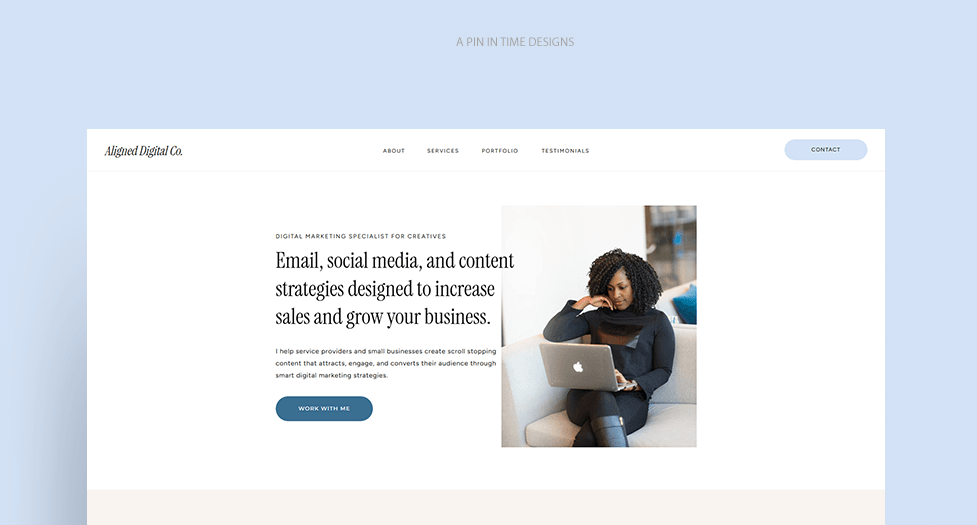
Your homepage hero is one of the first things people see when they land on your website. It’s the first section after your menu on your homepage, and where you want to make it clear what you do and how you can help your ideal clients with a headline and a short paragraph.
If your headline is vague, overly clever, or written from where you were years ago, it can make your entire website feel outdated, so changing it to a more specific and clearer one makes this section more intentional. If you have new brand images, you can also add it to this section.
For the layout, you can change it from a side-by-side text and image layout to one with a background image and centered text or vice versa. There are many layout variations you can choose, you can look at other websites to get some inspiration. Just changing your hero layout or headline can make your homepage feel fresh and more aligned with your business growth.
Update Outdated Information
Make sure the information on your website is accurate and up to date. Have you added a new service or changed the prices of your services? Are there dates on your website that need to be updated? Have you updated your contact forms/information? Is your privacy policy up to date with any new privacy law changes? Have you added on a new team member? Do you have new testimonials you can add to your website?
These are just some of the things you might need to update on your website. Be sure to go through each page of your website to see if the information on your website is up to date.
Update your fonts & play around with your colour palette
You can change the feel of your website by adjusting fonts & text styling or using different combinations of colours from your brand’s colour palette. You can;
- change the background colour of specific sections/parts of your website
- use a custom font for your website headings (eg. choosing a bold, chunky or stylish font for your headers can totally change the vibe of your website).
- add in your accent colour in more spots
- slightly change your colour palette by replacing one of the colours with a new one, and apply it to your website, etc.
Changing the fonts for your headings can be a great way to refresh your website, especially if you use a custom font that stands out and gives a different feel to your website. For text styling, you can adjust the line spacing of text, use subheadings and lists to break up big sections of text, and put more space between text elements, depending on what your website needs. Changing up the typography and colour combinations of your site can have a positive effect on how your website is perceived and the first impressions of your website visitors.
📍Related Post: How to Add Custom Fonts to Your Showit Website + Website Typography Best Practices
Replace your website images with new ones
If you’ve recently taken some nice business or product pictures, created new mockups of work you’ve done, or discovered some awesome stock photos that work well for your niche, you can replace the old images on your website with them. Doing this adds that new website feel to a website, even if you don’t change any other thing.
You also don’t need a whole brand shoot for this. You can:
- Use better stock photos that fit your brand
- Update your work/product mockups
- Replace outdated graphics with newer, better ones
Imagery contributes to the general impressions people have when they land on your website, so this is a good way to spice things up without doing a full website refresh.
Analyze Your Website’s Performance
Knowing how your website is performing is important, as it also guides you on what you might need to update on your website to get better results.
What’s working well? What pages have the highest bounce rates? How are people finding your site? Which pages are getting the most visits/attention? How do website visitors interact with your website pages? Keeping track of your analytics can answer all these questions.
For example, you might discover through your analytics that most visitors are landing on a specific blog post or service page, but hardly anyone clicks through to your contact page or related offers linked on those pages. That’s a clear sign you need to refresh that page with stronger calls to action, clearer buttons, or better internal links.
Or you may notice that people stop scrolling halfway down your homepage and miss out on some important parts of it, which could mean that you might need to reorder some sections on your homepage or change some things. These insights allow you to make small, strategic updates that improve how your website performs without overhauling the entire design.
Some platforms for tracking website analytics that I recommend
- Google Analytics: A free and pretty standard platform for tracking website analytics
- HotJar: Get heatmaps and recordings of how website visitors interact with and scroll through your website. This can be very insightful, and HotJar has a free plan you can sign up for, so give it a try.
- Fathom Analytics: An alternative to Google Analytics that’s more user-friendly and privacy-conscious. They also offer a free trial.
- Google Search Console: It’s also important to track how your website is performing on search engines, and this tool helps you see the words people search for on Google that lead them to your site, and your search engine ranking.
Simplify Your Menu
If you have too many links, confusing labels, or pages that no longer serve your current business in your menu, this can make your website feel overwhelming to visitors. Refreshing your website can be as simple as trimming your menu down to the essentials, renaming menu links to be clearer (eg. blog or read the blog, instead of visit the write room), and making your primary call to action more prominent. You can also add sub-menus, like a menu in your footer or a menu of blog categories on your blog page, for better navigation.
Want an expert to look at your website and tell you what you need to change or refresh for better results?
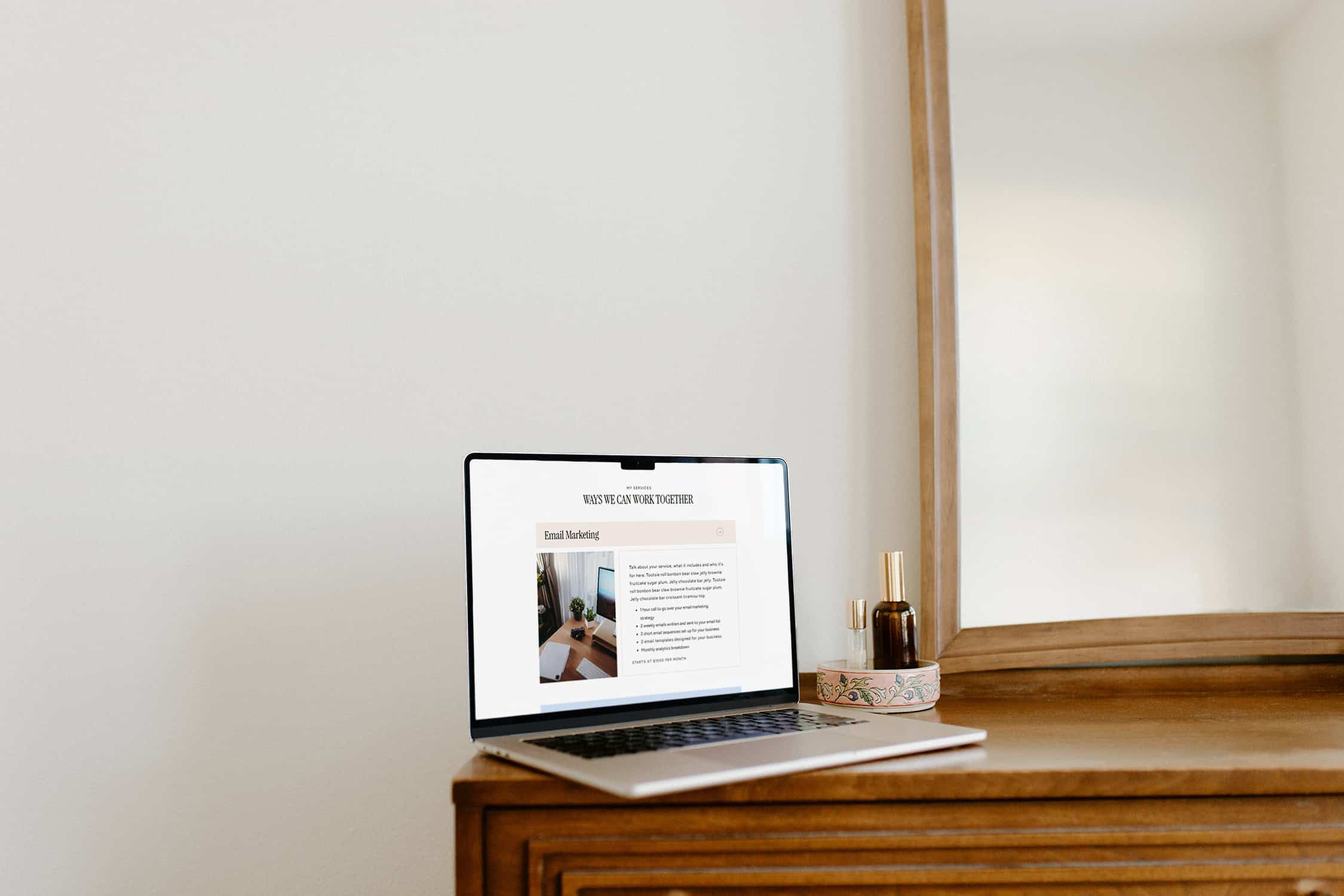
A website audit is great for this. Think of it like a tune-up for the digital home base for your business. I’ll do a deep dive of your website, and give you a clear roadmap on how to make your website one that better attracts & converts dream clients and is a better experience for your target audience.
Check for broken links & website errors
Sometimes you change a URL or delete a page, and the old links no longer work, but you might have the old links linked somewhere on your website. This means you might still be getting website visitors going to that old link. Instead of having visitors potentially land on a 404 page, which could impact your bounce rates and SEO, take the time to check for any broken links on your website. It could also be a link to a different website/platform that’s broken, so you’d need to remove it from your website.
Go through each page, check the links and buttons and make sure they aren’t broken or going to the wrong page. You can also set up redirects for old links, so even if someone uses the old link, they’re automatically redirected to the correct page. You can also use some online broken link checkers to speed up the process, but keep in mind that they aren’t always accurate.
Add a new strategic section to a website page
Sometimes, adding one well-thought-out section to a page on your website is a good way to improve your website. This could be adding:
- A testimonial section to your homepage or shop page
- A featured work section
- A “Start Here” guide section for new visitors
- A popular posts section on the homepage, etc.
These additions can make it easier for visitors to find the information they need and also help guide them towards the next step you want them to take. This takes less time to set up than doing a whole website redesign.
Do a homepage refresh
Instead of doing a whole website refresh, you can start with the homepage, as this is a page users tend to visit a lot. Your homepage should be a good showcase of your brand, what you do and what you have to offer, with sections leading to different parts of your website.
You can refresh your homepage by changing the images, adding new sections, changing the layout of specific sections, adding new copy, improving the page flow, changing button text, etc.
This step is not as simple as some of the other steps, but it is still less effort than a full website redesign. In fact, I’m currently in the middle of a homepage refresh that’s long overdue 😂.
I hope you found these tips useful and you’re now bursting with ideas on how to give your website a refresh. If you’d rather get someone to help you with refreshing your website, I offer website design services to support you with this.


